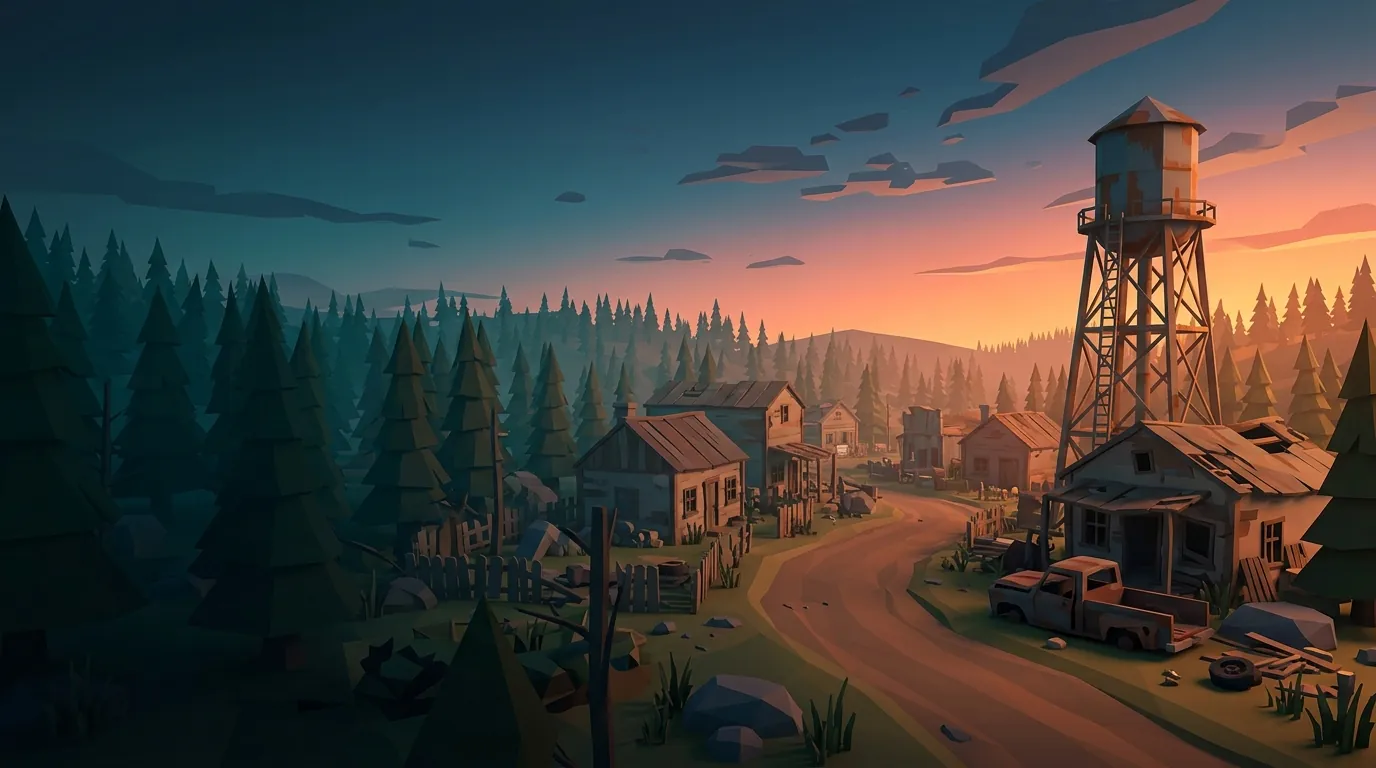
Premium Unturned Server Hosting
Give your players a zero-lag, uninterrupted survival experience! With our infrastructure powered by high-performance processors, launching your own Unturned server has never been easier.
- 4-16 GB
- RAM options
- L3/L4
- DDoS protection
- TR + DE
- Data centers
- 24/7
- Expert support
Why AnkSOFT Unturned Servers?
All the technical power and management convenience you need to grow your community, in one place.
Maximum Performance, Effortless Management
By its very nature, Unturned demands high single-core processor power and fast read/write speeds. We have optimized our servers to meet exactly those needs. Thanks to Ryzen 9 / Xeon processors and NVMe SSD storage, your server won’t suffer fps drops or synchronization issues even in the most crowded firefights.
Low Ping
Minimum latency thanks to our optimized infrastructure.
Web Panel
A comprehensive, easy-to-use management interface.
Unlimited Slots
Unlimited player capacity, as far as your hardware allows.
24/7 Support
Our expert team is ready to help at any moment.
Unturned Server Plans
No hidden fees! You can upgrade your plan at any time without losing any data.
Unturned Starter
For groups of friends and those who want to play vanilla.
- 2 vCPU (Xeon)
- 4 GB RAM
- 5 GB NVMe SSD
Unturned Performance
For RP servers and large communities.
- 3 vCPU (Ryzen 7/9)Performance packages run on AMD Ryzen 9 class processors. Subject to availability, delivery may be on a Ryzen 7 class processor. Both classes provide high single-core performance.
- 8 GB RAM
- 15 GB NVMe SSD
Unturned Extreme
For high-traffic, crowded servers.
- 4 vCPU (Ryzen 7/9)Performance packages run on AMD Ryzen 9 class processors. Subject to availability, delivery may be on a Ryzen 7 class processor. Both classes provide high single-core performance.
- 16 GB RAM
- 25 GB NVMe SSD
Server Sizing: Which Plan Is Right for You?
Choosing the right plan depends on your player count and mod load. As a rough guide:
Small / Vanilla → 4 GB (Starter): The ideal starting point for a group of friends and plain, unmodded survival play. Runs smoothly with a handful of players and a light map load.
Modded / Medium → 8 GB (Performance): The most balanced choice for RocketMod/OpenMod plugins, a few Workshop maps, and a mid-sized community. Most serious servers start in this tier.
Large RP / Heavy Mods → 16 GB (Extreme): Power reserved for intense roleplay setups, many plugins, custom maps, and high concurrent player counts. Delivers a fluid experience even in a crowd.
Not sure? Start on a smaller plan and move up to a higher tier anytime without losing any data as your community grows.
Unturned Server Types
In Unturned it is the settings and the plugins, not the map, that give a server its character. You can build every one of the types below on the same server.
-
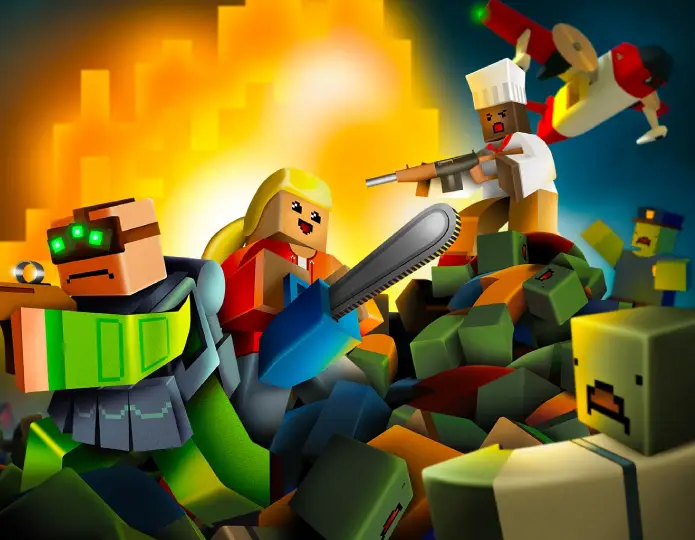
Vanilla Survival
The game's own balance: no plugins, no resource multipliers. It draws players looking for Unturned's real survival difficulty, and it is the lightest type to run.
-
PvP and Arena
Built around constant combat, with small maps and high player density. What decides performance here is CPU clock speed, not memory; projectile and player traffic hammer a single core.
-
Roleplay (RP)
Built with jobs, economy, vehicle and zone-rule plugins. Because it keeps many plugins and persistent player data, memory and disk needs rise noticeably.
-
Economy and Kits
Currency plugins such as Uconomy, shop systems and kits. Long-running communities are built here, and the database grows steadily.
-
Custom Maps and Workshop
Servers built on custom maps pulled from the Steam Workshop. Map size directly drives memory use and first startup time.
-
Zombie and PvE
Player-versus-player damage is switched off, and zombie density and event plugins take the lead. Continuously running AI keeps the CPU busy.
Unturned Server Setup Guide
Everything you need to know, from launching your own Unturned server to installing mods.
Whether you call it an Unturned server or full Unturned server hosting, the goal is the same: to build a stable, low-latency survival world you can play with your friends or your whole community.
At AnkSOFT you manage the entire process from a single web panel — no command-line knowledge, no complex config editing, and no manual port forwarding required. Once your payment is confirmed, your server is provisioned within minutes and ready to play.
At the heart of setting up an Unturned server lies its plugin framework. With the RocketMod or the more modern OpenMod framework — both installable with a single click from the panel — you can smoothly run economy, base-protection, kit, jail, and administration plugins.
Thanks to Steam Workshop integration, you can load official maps like PEI, Washington, and Russia alongside community-made custom maps instantly, simply by entering the Workshop ID into the panel. This flexibility lets you grow any kind of project on the same infrastructure, from a vanilla survival server to a heavily scripted RP world.
Unturned’s architecture relies heavily on single-core performance, which is why high-clock Ryzen 9 processors are critical for low ping. Keeping the tick rate high during crowded firefights — and preventing players from rubber-banding — depends directly on processor and NVMe disk speed.
Add hardware DDoS protection configured specifically for game traffic, and your server stays online even under attack. If you aim to build a competitive community, low latency and uninterrupted access are your single best investment.
RocketMod & OpenMod Plugin Frameworks
RocketMod is the most established plugin framework in the Unturned world and is compatible with thousands of ready-made plugins, while OpenMod is the newer, more modular, next-generation system favored by up-to-date plugins.
You can install either one with a single click from our web panel; then simply upload your downloaded plugin files to the relevant folder and restart the server. Popular add-ons like economy, shops, teleport, safe zones, and admin commands come online within minutes. This way you can focus on your server’s gameplay and your community instead of wrestling with technical details.
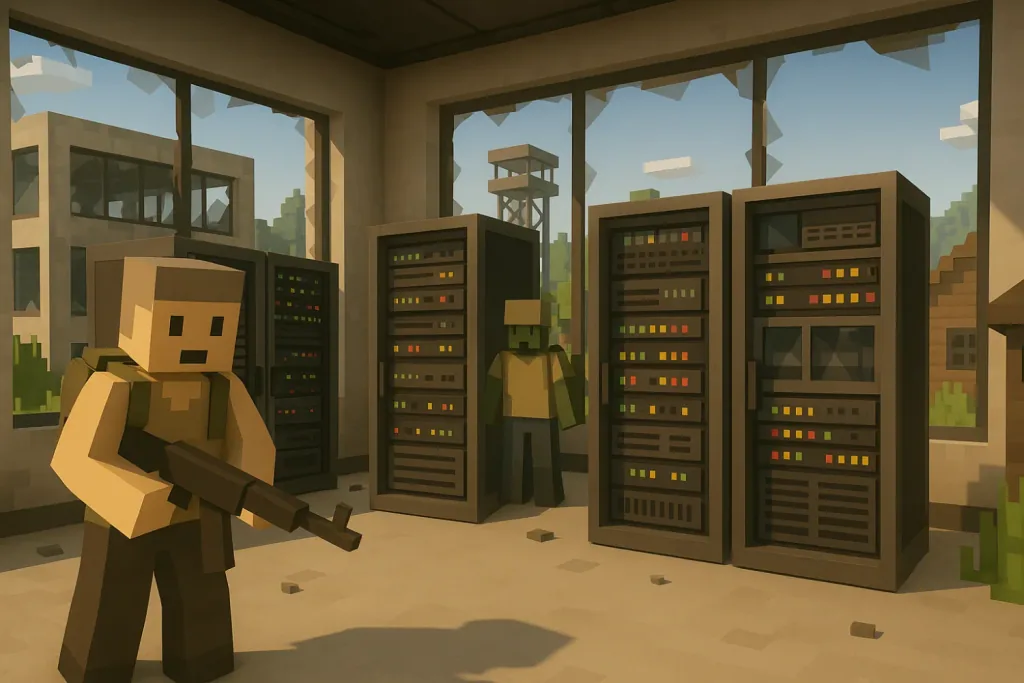
Installing a plugin in 3 steps
- Choose the frameworkInstall RocketMod or OpenMod with one click from the web panel.
- Upload the plugin filesDrag the .dll files you downloaded into the relevant Plugins folder.
- RestartPlugins come online when the server restarts; adjust their settings in the config files under Plugins.
RocketMod or OpenMod?
Both install from the panel in one click and can be changed later. The short answer: RocketMod if you want the older, wider plugin archive, OpenMod if you want the actively developed framework.
RocketMod
- Unturned’s most established plugin framework; thousands of ready plugins.
- Economy, shops, teleport and safe-zone classics live here.
- Older but proven; plenty of guides and documentation.
The classic foundation of the Unturned plugin ecosystem. It has a very wide archive built up over years, and most community guides are written around it.
Compatibility with new Unturned releases can lag behind. If you want to start fast with a ready-made plugin set, this is the right pick.
OpenMod
- Next-generation, modular system; the choice of current plugins.
- A multi-game architecture with a cleaner API.
- The forward-looking pick for actively developed plugins.
The more modern, actively developed framework. Dependency management and database integration are cleaner, and it keeps up with new game versions faster.
If you are building a long-lived roleplay or economy server, staying on OpenMod makes maintenance easier.
Steam Workshop maps and mods
In Unturned, custom maps and mods come through the Workshop. From the panel, the steps are:
Take the Workshop ID of the map or mod you want from its Steam page URL.
Add that ID to your server's Workshop list in the panel; the server downloads the content itself on startup.
If you are using a custom map, match the map name in your server settings exactly to the Workshop map's name.
When your players connect, the content downloads automatically; they do not have to install anything by hand.
The mistake people make most often is misspelling the map name: the server then starts on the default map instead. Bear in mind too that changing the map resets player progress.
Helping players find your server
The Unturned server list is crowded, and even a technically flawless server stays invisible if it is set up wrong. What actually drives your player count:
Your server name has to carry the words people search for: players filter the list on terms like "RP", "PvP" or a region tag.
Location matters. Latency is the first number a player looks at in the list, so host close to the audience you want.
Keep the server up 24/7. A server that goes up and down drops off the list and never builds a regular player base.
Keep the slot count realistic. A high-slot server that always looks empty draws fewer players than a small one that looks full.
Because your server runs behind hardware-level DDoS protection, it will not drop off the list because of an attack, and staying online is the single most basic requirement for filling it.
Related Game Servers
Explore our other game servers on the same low-latency, DDoS-protected infrastructure.


Frequently Asked Questions
Common questions about renting and setting up an Unturned server.
When is my Unturned server delivered after I rent it?
The moment your Unturned server order is completed, our automation kicks in. The Unturned server setup process finishes within seconds, and your login details are delivered to you instantly.
Is there support for mods, plugins, and Steam Workshop maps?
Absolutely! You can install the RocketMod or OpenMod frameworks with a single click from our customer panel. You can also integrate Steam Workshop mods directly by entering their Workshop IDs into the panel.
Do you enforce a player (slot) limit on your servers?
No. At AnkSOFT, we do not impose any software-based slot restriction. Setting up an unlimited player capacity is entirely up to you, as far as the hardware power of your chosen VDS plan allows.
Is my server protected against DDoS attacks?
Yes. All of our servers are hosted in our data center and protected by Layer 3 and Layer 4 hardware DDoS filtering appliances specifically configured for game traffic.
How much RAM is enough for my Unturned server?
It depends on your player count and mod load. For vanilla or a small group of friends, 4 GB RAM (Unturned Starter) is plenty. For a mid-sized, modded community, 8 GB RAM (Unturned Performance) offers the ideal balance. For large servers running heavy RP setups, plugins, and custom maps, go with 16 GB RAM (Unturned Extreme). Not sure? Start on a smaller plan and upgrade anytime without losing any data.
Where are your servers hosted?
Your servers are hosted in our Turkey and Germany data centers, and your order is automatically assigned to the best available (least loaded) node at that moment. This keeps resources balanced and your server stable from the moment it is set up.
How do I install mods/plugins on my Unturned server?
Just log in to your web panel and install the RocketMod or OpenMod framework with a single click; then upload your plugins to the relevant folder and restart the server. Steam Workshop maps are supported too: simply enter the Workshop ID in the panel to add them directly.
Need a Fully Managed Server?
Don’t limit yourself to standard management panels. Discover our professional VDS solutions to freely manage your own operating system, establish a remote desktop connection, and enjoy full Root/Administrator privileges.